What is the Agentic Readiness score?
Check whether AI shopping agents can find your store, understand your products, and complete a purchase, and fix what's missing.
Written By Tom van den Heuvel
Last updated 10 days ago
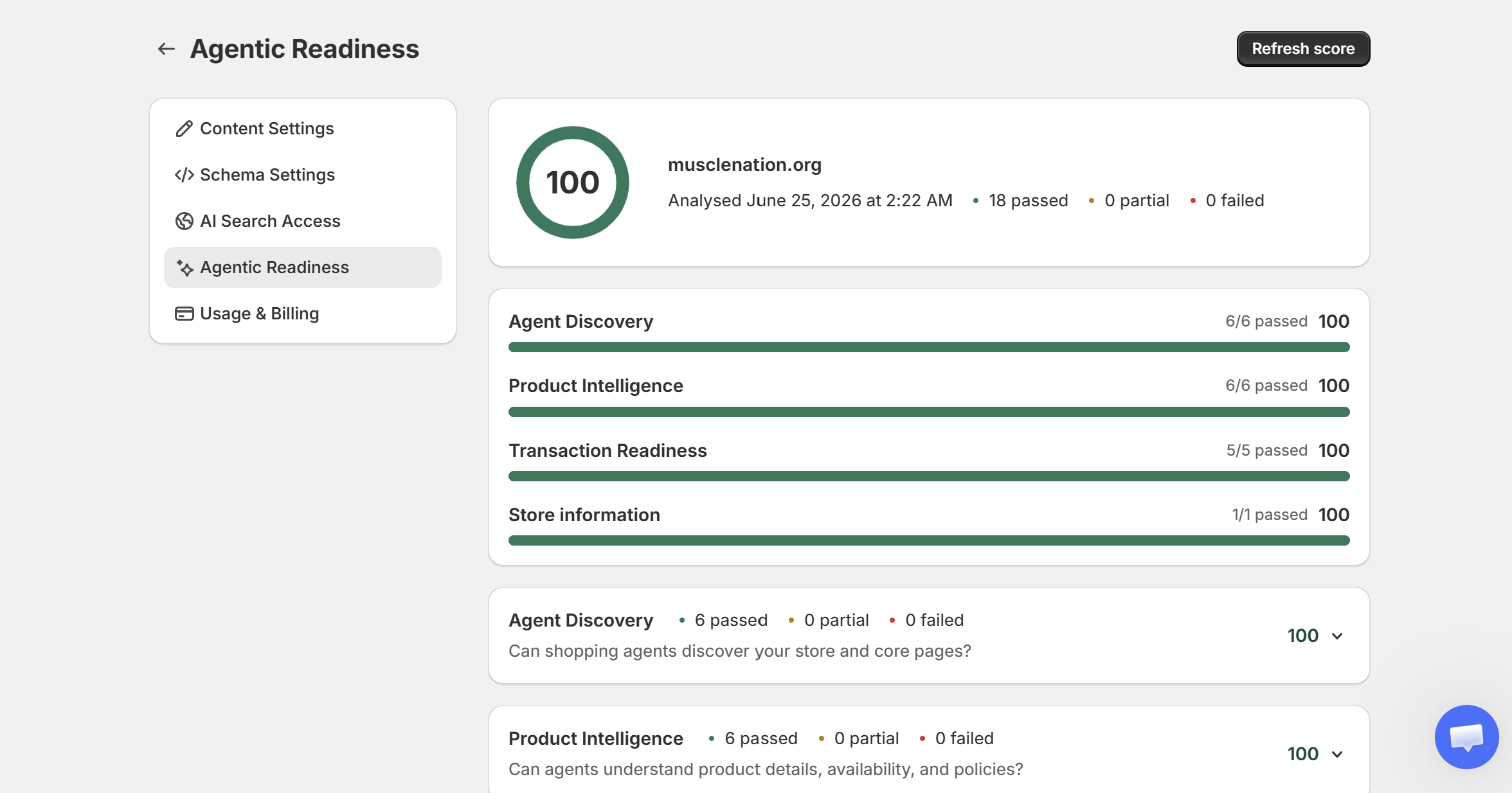
AI shopping agents (in ChatGPT, Gemini, Claude, and others) are starting to browse and buy on behalf of shoppers. The Agentic Readiness score (0–100) checks whether your store is ready for them: can agents find you, understand your products, and complete a purchase?
How to run it
Go to Settings → Agentic Readiness.
Click Refresh score. We analyze your store, including a sample of product pages, and show how many checks passed, are partial, or failed.
Work through Next actions to improve at the top. They're sorted by impact (High or Medium) and each has a button that takes you straight to the fix.
Your score updates within a few minutes after each fix.
What it checks
Agent Discovery: can agents find your store?
AI agent interoperability (UCP), so agents like ChatGPT and Claude can connect to your store
AI crawler access
HTTPS and HSTS security
llms.txt presence and quality
Open Graph tags
Sitemap coverage of products, collections, and pages
Product Intelligence: can agents understand your products?
Product schema on your product pages
Organization schema
Price, stock availability, and review ratings in your product schema
A returns policy agents can read
Transaction Readiness: can agents complete a purchase?
Page load speed
Mobile-friendly pages
Commerce API access for agents
Express checkout options (like Google Pay and Shop Pay)
A shipping policy agents can read
Store Information: is your store fresh?
Articles published in the last 30 days. Aim for 2 or more. Article Autopilot handles this for you.
Most common fixes
Schema checks failing (product, pricing, stock, ratings, organization): switch on the relevant types in Settings → Schema Settings. See How the schema setup works.
Shipping or returns policy failing: publish the policy in Shopify admin → Settings → Policies.
Open Graph tags missing: fill in your social sharing image and descriptions in your theme settings.
Was this helpful?
Still need help? Ask the team